
SaaS or custom software: which should your business choose?
Compare SaaS with custom software, understand the cost and risk, and choose the right approach for your processes, budget and growth.
Learn when a mobile app makes business sense, when a website or WhatsApp is enough, what it may cost, and how to plan your first release well.

No, not every business needs a mobile app. An app makes sense when customers or staff return often and a phone based feature saves them time.
The right choice may be a website, WhatsApp process, web app or mobile app. Start with the repeated task you want to improve, not the technology you want to buy.
A mobile app can be useful when people regularly book, order, pay, track, learn or manage information through your business. Keeping the service on their phone can reduce repeated form filling and make common actions easier to find.
Consider a clinic where patients book appointments, view prescriptions and receive reminders. An app may help regular patients manage these tasks without calling reception each time. A construction company receiving a few enquiries each month will usually gain more from a clear website and a quick contact option.
Look for a pattern in how people already use your business. An app has a stronger case when users often need to do one or more of these things:
Do not make downloads the main goal. Define the business result first. For example, you may want fewer calls for routine bookings, more repeat orders from existing customers or faster reporting from field staff.
A retailer selling through Instagram may need better repeat ordering rather than an app immediately. If customers already ask for the same products on WhatsApp, first measure the time spent confirming stock, collecting addresses and taking payments. That evidence will show whether an app solves a real problem.
A responsive website is often enough for service details, enquiries, articles, lead generation and one time purchases. New customers can find it through search or a shared link without installing anything. It also gives you one place to explain your services and collect enquiries.
A website may suit a consultant who receives a few enquiries each month, a builder displaying completed projects or a training company promoting a new course. If people rarely return after their first visit, asking them to download an app adds an unnecessary step.
WhatsApp can work well when the process still depends on conversation. A small clinic can use it for appointment requests, a retailer can confirm an order, and a school can answer questions about fees or documents. This may be the right first step when a small team handles customer messages and the process is still changing.
Keep in mind that WhatsApp is not a complete records system. Important details can get buried in chats, staff may miss messages, and customers may not receive a clear status. Move to a more structured system when you need reliable reporting, permissions, payment records or automated follow up.
A web app can be a useful middle option. Users open it in a browser and log in to complete regular tasks, but you avoid asking them to install an app. This suits customer portals, school fee systems, staff dashboards and business tools that do not need push notifications, camera access or offline use.
Choose a mobile app only when regular use gives customers or staff a clear advantage over a good website, WhatsApp process or web app. The advantage may come from reminders, device features, faster repeat actions or access when the internet is unreliable.
Before requesting a quote, list the users and their main tasks. A retailer serving repeat customers may need customer accounts, product browsing, payments, order tracking and support. A consultant receiving occasional enquiries may need only a website with a booking form.
Write down how often each user will perform each task. A school administrator may use a system every day, while a parent may use it only when paying fees or checking notices. This difference affects the value of an app and the features people will expect.
Check your business information before you build. An app cannot fix unclear prices, late stock updates, slow service or incomplete customer records. You need reliable product data, a process for updating content, a payment method that your team can reconcile and someone who can answer support requests.
Mobile app development cost depends on the number of user types, screens, integrations, payment methods, admin tools and platforms. A simple booking app and a marketplace with sellers, delivery tracking and refunds are very different projects. Ask for the scope behind the estimate instead of comparing totals alone.
Plan for more than the first build. You may need customer and staff accounts, an admin panel, notifications, analytics, backups, security checks and connections to accounting, stock or booking systems. Store accounts, hosting, testing, maintenance and customer support should appear as separate line items.
A low first quote may exclude the work that keeps the service running. Ask who will update content, review failed payments, handle account recovery and fix problems after an operating system update. These responsibilities affect the real cost of owning the app.
Do not copy every feature from a competitor. Your competitor may serve a larger customer base, use a different operating process or have a separate internal system. Start with the smallest release that supports one important customer or staff task, then test it with real users.
For example, a clinic could begin with appointment requests, confirmation messages and appointment history. It can add prescriptions, payments or family accounts later if patients use the first release and the business can support those features.
Do not build separate iOS and Android versions by default. The right approach depends on the device features you need, your expected users, your internal skills and the maintenance you can afford. A shared codebase may reduce repeated work, while a platform specific approach may suit demanding device functions or a tightly controlled environment.
Do not assume people will return after downloading. Give them a useful reason to come back, such as order tracking, appointment history, saved preferences, fee reminders or timely updates. If the app offers nothing better than your website, customers may remove it.
Protect personal and payment data from the start. Decide who can access each type of information, how accounts are recovered, how sensitive data is stored and what happens when a device is lost. Test permissions with ordinary staff accounts, not only with an administrator account.
Avoid launching without an owner. Someone must review feedback, check content, monitor errors and decide which changes matter. A business app needs regular attention even when the first release is small.
A good developer should help you decide if an app is the right answer. They should turn your idea into a short first release with clear user tasks and success measures, rather than accepting a long feature list without questioning it.
Ask these questions before approving business app development:
Ask for a staged plan covering discovery, user flows, design, development, testing, release and support. The timeline depends on scope and integrations, so a credible vendor should explain what could affect each stage. A payment connection, stock system or complex approval process may need more preparation than a basic information app.
You should also see how the team tests the service before release. Ask whether staff can review realistic scenarios, whether failed payments and forgotten passwords are tested, and how issues will be recorded. A polished demonstration is not enough if ordinary users struggle with the actual tasks.
Start by mapping your customers' most frequent tasks and compare a mobile app with a website, WhatsApp or web app. Dotdunia can help you assess the idea, plan the first release and build the right solution. Visit www.dotdunia.com to start a conversation.

Compare SaaS with custom software, understand the cost and risk, and choose the right approach for your processes, budget and growth.

Learn what drives custom software costs in India, how to compare quotes, which trade offs matter, and what to prepare before choosing a vendor for your business.
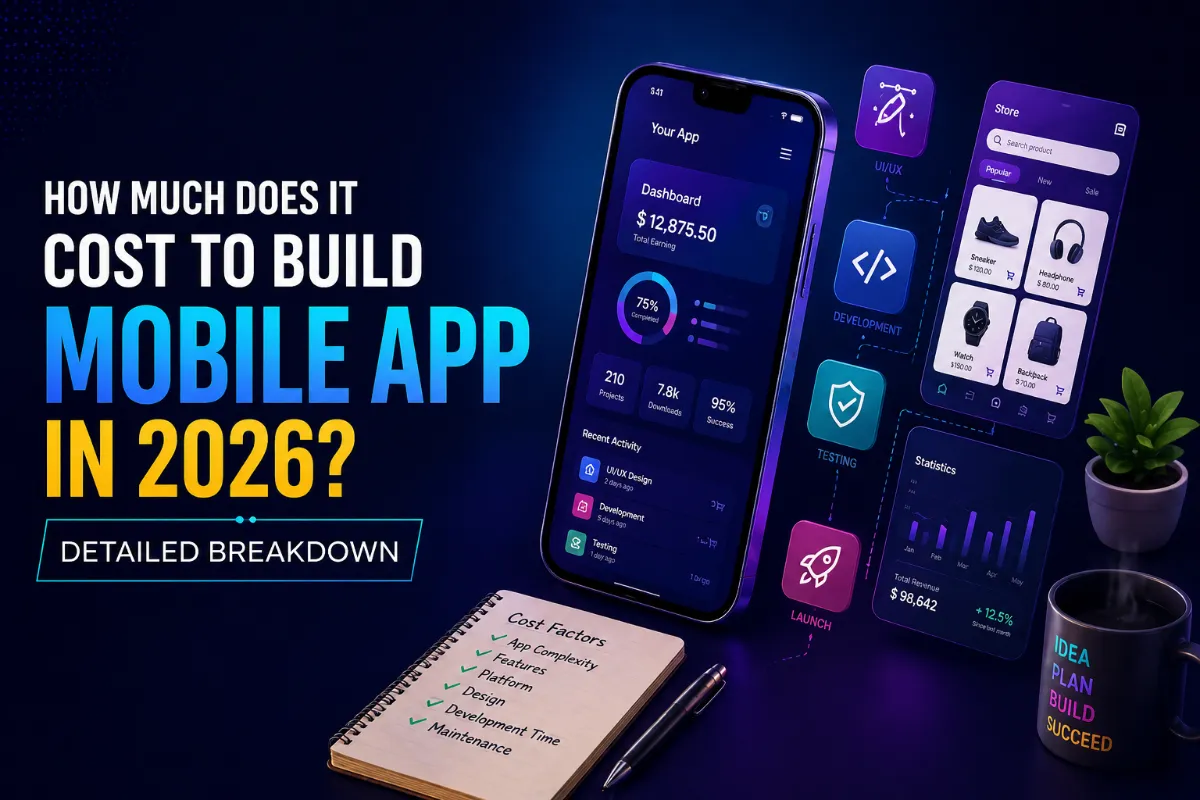
Building a mobile app is one of the smartest investments a business can make today. Whether you're a startup, small business, or enterprise, a mobile app helps you connect with users, automate operations, and grow faster.