
Should you build a mobile app for your business?
Learn when a mobile app makes business sense, when a website or WhatsApp is enough, what it may cost, and how to plan your first release well.
Compare SaaS with custom software, understand the cost and risk, and choose the right approach for your processes, budget and growth.
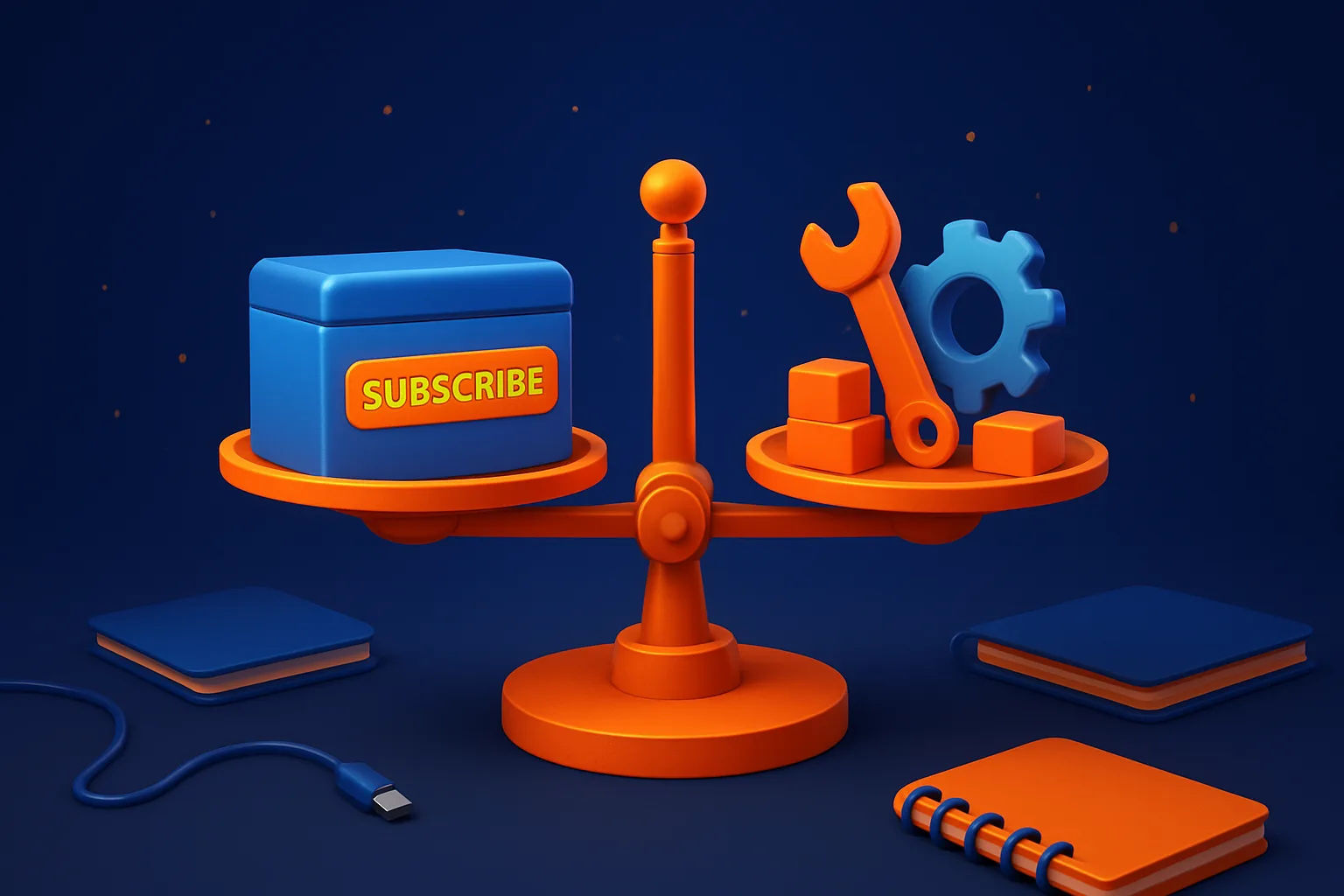
Choose SaaS when an existing product handles most of your work and you need to start quickly. Consider custom software when your process is unusual, repeated workarounds waste time, or several systems need to work together.
A clinic that needs appointments, reminders and online payments may find a ready made SaaS product sufficient. A distributor with special price lists, delivery zones and approval steps may gain more from software built around its own process.
SaaS, or software as a service, gives you access to a ready made product through a recurring subscription. You usually get hosting, updates and basic support from the provider. This works well when your business follows a process shared by many other companies.
For example, a clinic may need a calendar, appointment reminders, patient records and online payment collection. If a SaaS product covers these needs and your staff can use it without major changes, building a new system may not be sensible.
Custom software is different. It is planned around your roles, rules and information flow. A distributor may need one order screen that checks customer specific prices, stock at several warehouses, delivery zones and manager approval before sending the order to accounts.
Do not choose custom software only because it sounds more professional. Choose it when a better fit can reduce manual work, prevent errors, improve customer service or support a process that gives your business an advantage.
The benefit must justify the work involved in discovery, design, development, testing and ongoing care. If your needs are ordinary and your team can adapt to a ready made product, SaaS may give you the better business result.
A SaaS subscription can look inexpensive because the first payment is small. Your real cost may also include setup, user seats, premium features, payment processing, data migration, training and integrations.
Ask for the cost at the size you expect to reach, not only the cost for your current team. A school may begin with three administrators but later need access for accounts staff, teachers, branch managers and parents.
Custom software usually needs spending before the first user logs in. The work may include process discovery, user experience design, development, testing, hosting, training and maintenance. The total depends on the number of user roles, workflows, reports, integrations, mobile needs and security requirements.
SaaS can help a school collecting fees online or a retailer selling through Instagram get started sooner. Custom software gives you more control over the workflow and future changes, but delivery time depends on scope, approvals, testing and the quality of your existing data.
Compare the three year cost instead of looking only at the first invoice. Include subscriptions, staff time spent on duplicate entry, manual workarounds, support charges and the cost of changing systems later.
For instance, a low monthly fee may not be low if staff copy orders from one system into another every day. On the other hand, custom software may not pay for itself if the process is simple and the team rarely uses it.
A SaaS provider may change its pricing, features or usage limits. Before you sign up, ask how you can export your data, what happens when you cancel, how long export takes, and which integrations cost extra.
Check where your data is stored and who can access it. If your clinic stores patient information or your school stores fee records, ask about permissions, backups, security controls and the process for dealing with a service outage.
A ready made product can also force your team to change a useful process. Ask staff to list the workarounds they use today, such as keeping a separate spreadsheet for special discounts or sending approval requests through WhatsApp. Decide which changes are acceptable before you buy.
Custom software has different risks. Unclear requirements can lead to a system that works technically but does not suit the way people work. Scope can also grow when every new request enters the first release.
Agree on the first release, approval points, testing responsibilities, support terms and ownership of the code and data. A practical team should show working screens during development, not wait until the end to reveal the result.
Custom software also needs care after launch. Budget for security updates, hosting, backups, user support and changes when your business or connected services change. Ask who will handle a failed payment connection or a new invoice requirement six months after launch.
Start by writing down the process you want to improve. Do not begin with a list of features copied from another product. Describe what happens today, who is involved, what information they handle and where delays or duplicate entry occur.
When speaking to SaaS vendors, ask direct questions about approval steps, local payment needs, tax or invoice formats, user permissions, reports, data export and required integrations. Request a demonstration using a realistic example from your business, such as a partial payment, a cancelled order or a branch transfer.
When speaking to a custom software team, ask how it will understand the process, show progress, protect data, test the system, train users and support it after launch. Ask to see the proposed first release and the decisions that could affect cost or delivery time.
Start with a small first release when the process is unclear. A school could begin with admissions and fee collection, then add attendance and parent communication after staff have used the first release and identified what they really need.
Use a simple decision rule. If most requirements are standard, buy SaaS. If the main value lies in your specific process, compare custom software with the cost of continuing manual work.
You do not have to replace every tool. A business might keep accounting SaaS, add custom order management and connect both through an integration. This approach can preserve a familiar accounts process while giving sales and operations a better way to manage orders.
A combination can reduce the first build while keeping a critical workflow under your control. It also creates dependencies, so confirm who owns the data, which integration limits apply, how backups work and who supports each connection.
Check whether the SaaS product provides a reliable application programming interface or another supported connection method. Avoid a plan that depends on copying spreadsheets or using an unofficial connection that may stop working after a product update.
Review your choice when your team grows, manual work increases or the SaaS product becomes harder to adapt. The right answer can change as your process, customer expectations and budget change.
List your must have workflows, current tools and recurring manual tasks before requesting quotes. Dotdunia can help you compare SaaS options, plan a practical first release or build software around your process. Visit www.dotdunia.com for a conversation.

Learn when a mobile app makes business sense, when a website or WhatsApp is enough, what it may cost, and how to plan your first release well.

Learn what drives custom software costs in India, how to compare quotes, which trade offs matter, and what to prepare before choosing a vendor for your business.
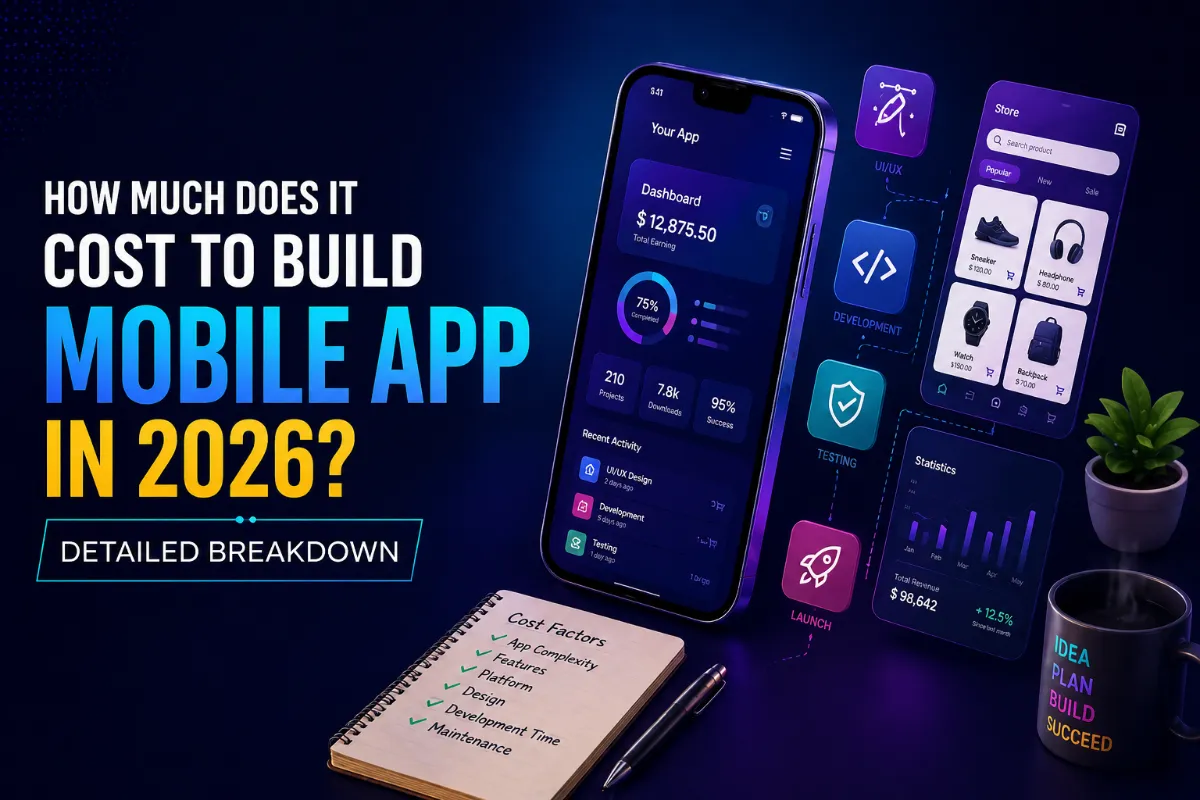
Building a mobile app is one of the smartest investments a business can make today. Whether you're a startup, small business, or enterprise, a mobile app helps you connect with users, automate operations, and grow faster.