Custom software development in India can cost from a few lakh rupees to tens of lakhs or more. A focused internal tool or simple MVP usually needs far less than a multi role platform with mobile apps, integrations, reporting and strict access controls.
There is no useful single price without knowing what the software must do. The users, workflows, platforms, integrations, data migration, security needs and support plan all affect the cost to build business software.
Custom software in India can cost from a few lakhs to much more
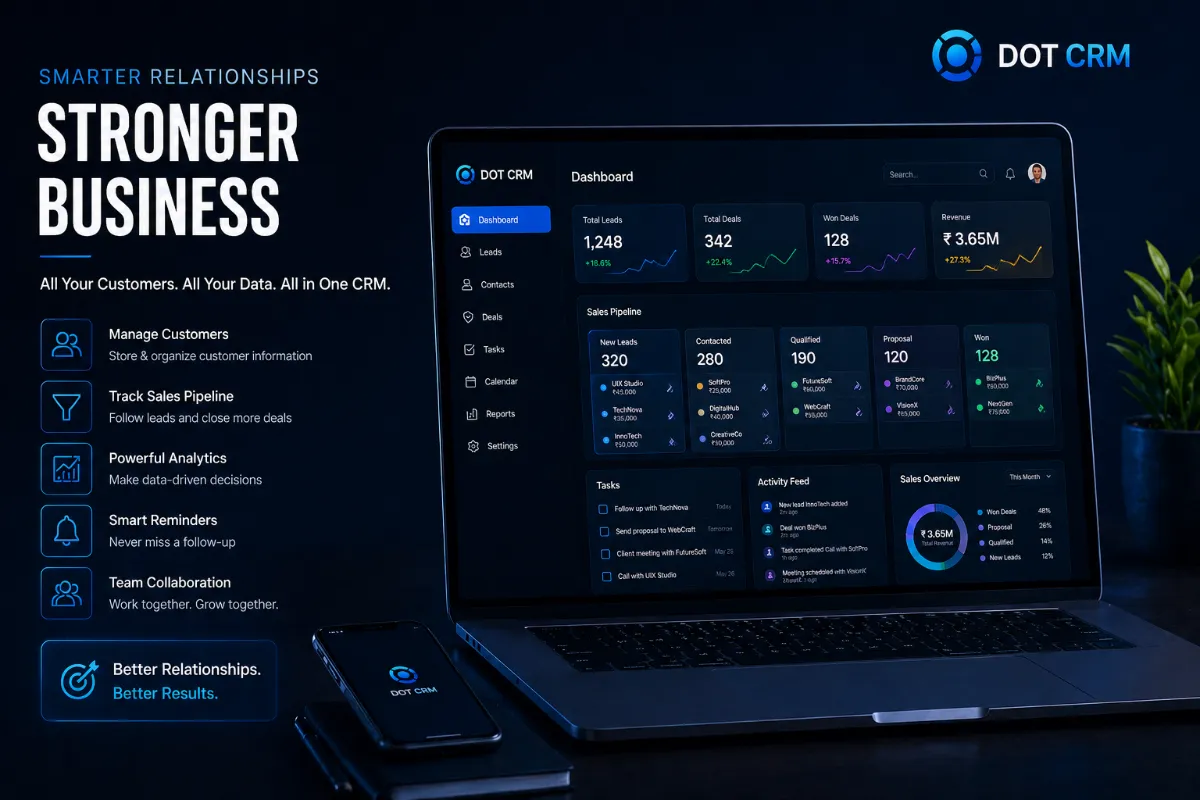
A small internal tool might help a sales team record leads, assign follow ups and view a basic report. A simple customer app might cover registration, bookings and notifications. These projects can often start at a few lakh rupees, but the final figure depends on the agreed scope and the quality expected.
A larger system may include separate areas for administrators, staff, customers, suppliers and managers. Add payments, stock control, audit records, mobile apps, external software connections and management reports, and the software development cost in India can reach tens of lakhs or more.
Consider a clinic taking bookings and sending reminders. It needs much less work than a hospital system that manages doctors, departments, appointment rules, payments, patient records, permissions and reports. Both are healthcare software, but their risks and workflows are very different.
Treat any quote given before a clear feature list as an early estimate, not a final project cost. A responsible custom software company in India should explain the assumptions behind the figure and identify what still needs to be decided.
The features and decisions that change the price
The largest cost changes usually come from the number of user types and the rules each user must follow. A basic screen that saves information is quick to plan. A screen with approvals, exceptions, calculations, alerts and a full history needs more design, development and testing.
- Multiple user types increase the work because each person needs different screens, permissions and actions.
- Approval steps add rules for who can review, reject, edit or release information.
- Dashboards become more costly when they combine data from several areas or need filters and scheduled reports.
- Payment, messaging and accounting connections need testing, error handling and checks when an external service changes.
- Mobile and web versions require decisions about devices, notifications, offline use and maintenance.
- Data migration requires checking, cleaning and importing records from spreadsheets or older systems.
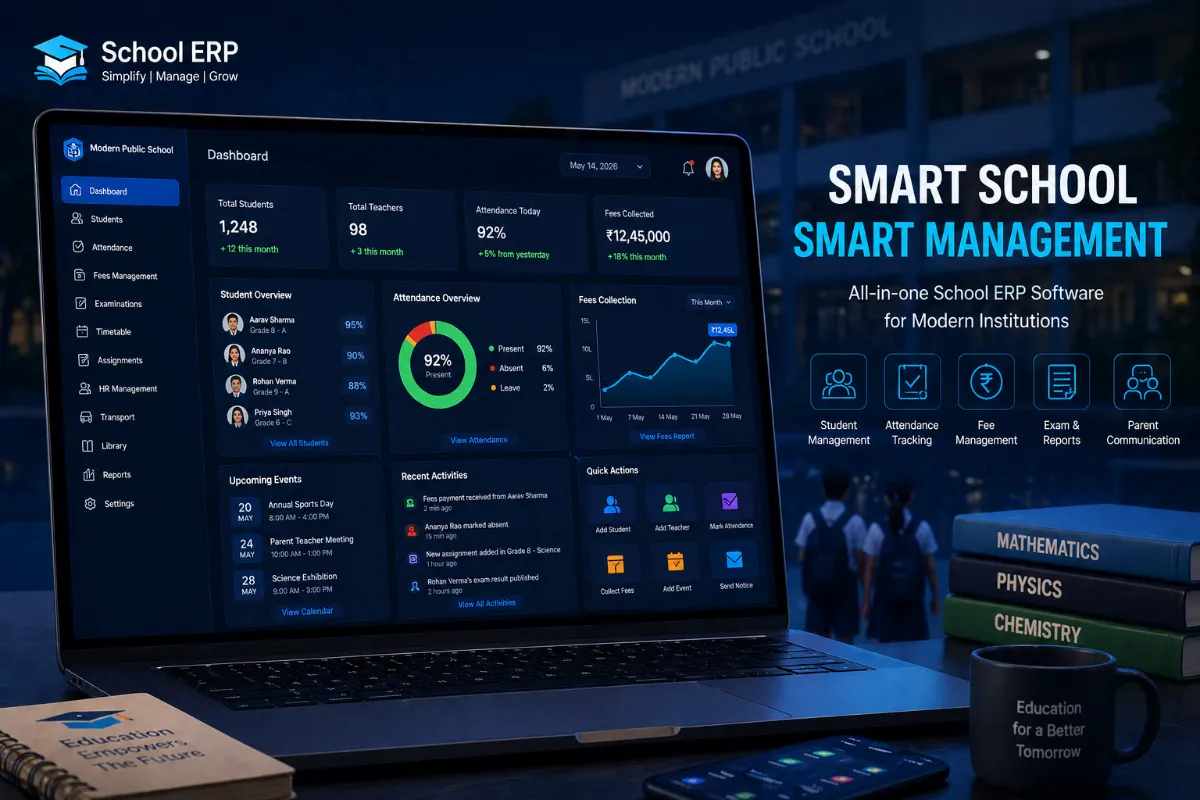
Custom rules often cost more than standard screens. A school fee portal with one fixed payment is simpler than one that handles discounts, transport charges, instalments, late fees, receipts and approval rules. Ask the vendor to show which rules are included rather than accepting a broad feature name such as fee management.
Platform choice also affects the quote. A responsive web app may be enough for office staff using laptops. Field teams working in areas with weak internet may need mobile apps with local storage and later synchronisation, which adds design and testing work.
Include ongoing costs in your budget. Cloud hosting, SMS or WhatsApp charges, payment gateway fees, monitoring, support, backups and future changes may be billed separately. Ask who pays each recurring cost and whether the account will belong to your business.
A lower quote can create higher costs later
Do not compare vendors only on the total price. One quote may include testing, deployment, documentation, training and post launch support, while another may cover development alone. The cheaper figure can become more expensive when basic delivery work appears as an extra.
Ask for a feature by feature scope and a list of exclusions. Check whether the quote covers user experience design, browser testing, mobile device testing, data import, security checks, launch support and fixes for defects found after release.
Starting smaller can reduce risk, but only if the first release solves a useful problem. A retailer might begin with products, orders and payments, then add loyalty and warehouse features after staff have used the system and confirmed what they need.
Building everything at once may appear efficient, but it delays feedback and increases the amount you are deciding before anyone uses the software. A staged plan lets you test the main workflow with real staff, while leaving room for changes based on evidence.
Ownership also affects long term cost. Ask how you will receive the source code, design files, database, documentation and deployment access. Weak access controls, poor backups or dependence on one developer can make a small saving costly when you need a change later.
Changing core requirements halfway through can affect both cost and delivery time. Define the first phase around the business problem with the highest value, such as reducing booking errors or giving managers one reliable sales report.
How to prepare a useful software brief
A short, practical brief gives vendors something real to estimate. It does not need technical language. Describe the work your people do, the decisions they make and the result you expect.
- List every user group and the tasks each group must complete.
- Record which actions need approval and who can approve them.
- Describe the reports management needs and how often people use them.
- Write down current spreadsheets, WhatsApp messages, paper forms and repeated data entry.
- Mark each feature as essential for the first release, useful later or not required.
- Collect details about existing systems, integrations, data volume, user locations and hosting preferences.
Map the current process from start to finish. For example, a clinic may receive a booking on WhatsApp, enter it into a spreadsheet, call the patient, collect payment at reception and send a reminder manually. Showing these steps helps the vendor find what should be automated and where staff still need control.
Also record privacy or compliance requirements that apply to your work. Note where data is stored, who should access it, how long records must be kept and whether your business has rules about hosting or customer consent.
Questions to ask before choosing a vendor
A good proposal should make its boundaries easy to see. Ask for the scope, assumptions, exclusions, delivery stages and payment terms in writing instead of accepting one unexplained figure.
- What is included for each feature, user type, platform and integration?
- What happens when you request a change after the scope is approved?
- How are defects reported, prioritised and fixed before and after launch?
- Who owns the code, design, data, accounts and deployment access?
- How will you see progress, review working versions and approve each stage?
- What support, maintenance, hosting responsibility and future enhancement costs apply after launch?
Ask for an expected timeline covering discovery, design, development, testing, launch and training. The answer should depend on the agreed scope and team size. Be cautious when a vendor gives a very short fixed timeline before asking about integrations, data and approvals.
Ask how the team will handle access security, backups and deployment. You should know who can view business data, how access is removed when staff leave, how often backups run and how the system can be restored if something fails.
Compare vendors on their understanding of your process and the clarity of their plan, not just on the lowest quote. A vendor who asks about your staff, customers, exceptions and daily work is more likely to estimate the real software development cost India businesses face.
Start with your users, current process and must have features before asking for a price. Dotdunia can help you plan the scope or build the software in stages. Visit www.dotdunia.com to start a conversation.