
How much does a software discovery workshop cost in India?
Learn what affects software discovery workshop cost in India, what you should receive, and how to compare proposals before approving a build.
Compare a custom staff attendance app with SaaS software on cost, setup, payroll, privacy, control, integrations, and future changes before you choose.
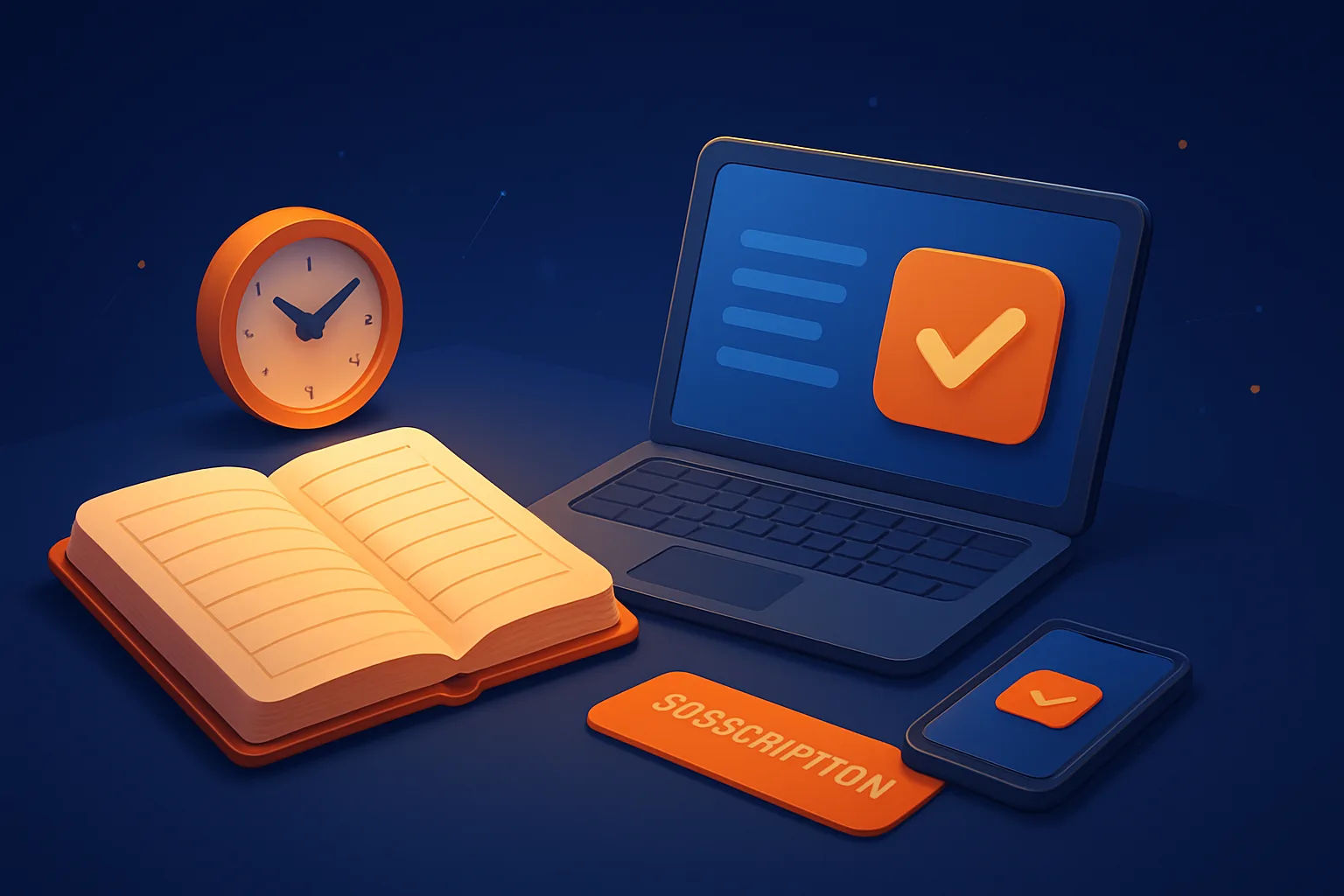
Start with SaaS if you need attendance, leave, shifts, reports, and a payroll export without waiting through a long build. A ready made employee attendance app will suit many small and medium teams.
Choose a custom attendance app when your rules depend on project sites, biometric devices, transport routes, client billing, or several business units. The right choice depends on how your people work, not on how many features a vendor shows in a demo.
SaaS attendance software gives you a system that is already built and maintained by a provider. You usually create employee records, set working hours, define leave rules, and start collecting attendance through a phone, browser, kiosk, or supported device.
This approach works well when your process is familiar. A clinic with 20 staff may need clock in and clock out, leave approval, monthly reports, and an export for payroll. It probably does not need a separate application just to handle these tasks.
A custom app becomes more useful when attendance connects to other business decisions. A facilities company may need to record which guard worked at which client location, match hours to a contract, account for transport routes, and send approved hours to invoicing.
Before choosing, look two or three years ahead. Count your expected staff, locations, shifts, approval levels, devices, and integrations. A system that suits 30 office employees may create problems when you have 200 field workers across several cities.
A SaaS product usually has a recurring subscription. The price may depend on employees, active users, locations, or selected modules. Setup fees and extra charges may apply for GPS, face recognition, biometric integration, payroll connections, advanced reports, or additional storage.
Ask for the full cost, not only the monthly figure shown on a pricing page. Include onboarding, data import, training, support, taxes, upgrades, and the cost of adding staff. A low starting price can become less attractive if your required features sit in separate paid modules.
A custom app needs a larger initial budget. Planning, user experience design, development, testing, hosting, security work, training, and support all form part of the project. The cost depends on rules and integrations, not simply on the number of screens.
SaaS is usually available sooner, but you may need to change your process to fit the product. Custom software takes longer to plan and build, but it can follow your approval rules, payroll format, site structure, and reporting needs.
Consider a school that records staff attendance and collects fee data online. It may be sensible to use separate systems if the teams can work with two reports. A business that needs one record for attendance, payroll, site allocation, and invoicing may justify custom work because manual reconciliation creates regular errors.
Do not select a product only because it offers face recognition or GPS. Ask how accurate it is in your working conditions, how staff give consent, which phones it supports, and whether workers can use it without carrying a personal smartphone.
Poor connectivity needs a clear answer. A field worker in a basement, remote site, or area with weak mobile data may need to mark attendance offline. Confirm when the record is stored, how the location and time are verified, and what happens if the phone fails.
Privacy also needs practical answers. Check where attendance data is stored, who can view it, how managers access reports, how long records are kept, and how you can remove or export data. Your HR team should know who can correct a late mark and whether that correction leaves an audit record.
A custom app gives you more control over these decisions, but it also gives your business more responsibility. You must plan for hosting, backups, updates, security fixes, device compatibility, monitoring, and support after launch. A custom system is not finished when the first version goes live.
Avoid paying for features managers will not use. A small office may only need a reliable clock in process, leave approval, attendance correction, and a clean payroll export. A complicated dashboard will not help if supervisors still use a spreadsheet because the system takes too long to update.
Ask vendors to demonstrate your real work, not a prepared presentation. Give them examples such as a late arrival, a missed punch, a night shift crossing midnight, a holiday shift, and a field worker with no internet. The way the product handles these cases will tell you more than a long feature list.
Also ask who owns the configuration. If a payroll manager cannot change a shift rule without raising a support request, small changes may become slow and expensive. If your own team can change everything without a review process, incorrect settings may affect many employees.
Begin with your current process. Follow one attendance record from the moment an employee marks in to the moment payroll receives the approved data. Write down the people, systems, approvals, corrections, and manual steps involved.
Use real staff during the trial. Ask a supervisor to approve an exception, ask payroll to inspect the export, and ask a field employee to use the system in the place where work actually happens. A product that looks simple in an office demo may be difficult at a client site.
Compare the total cost over three years. Include subscriptions, add ons, support, data migration, likely staff growth, custom changes, hosting, and internal admin time. A custom build may cost more at the start, while a SaaS product may cost more over time if every new rule requires a paid module or manual workaround.
If you are unsure, map the workflow first and postpone the technology decision. Dotdunia can help you assess SaaS options, plan the right workflow, or build an attendance app around your actual requirements. Visit www.dotdunia.com to start a conversation.
Learn what affects software discovery workshop cost in India, what you should receive, and how to compare proposals before approving a build.
Understand business app maintenance cost in India, what monthly support covers, why quotes differ, and how to choose the right plan for your team.
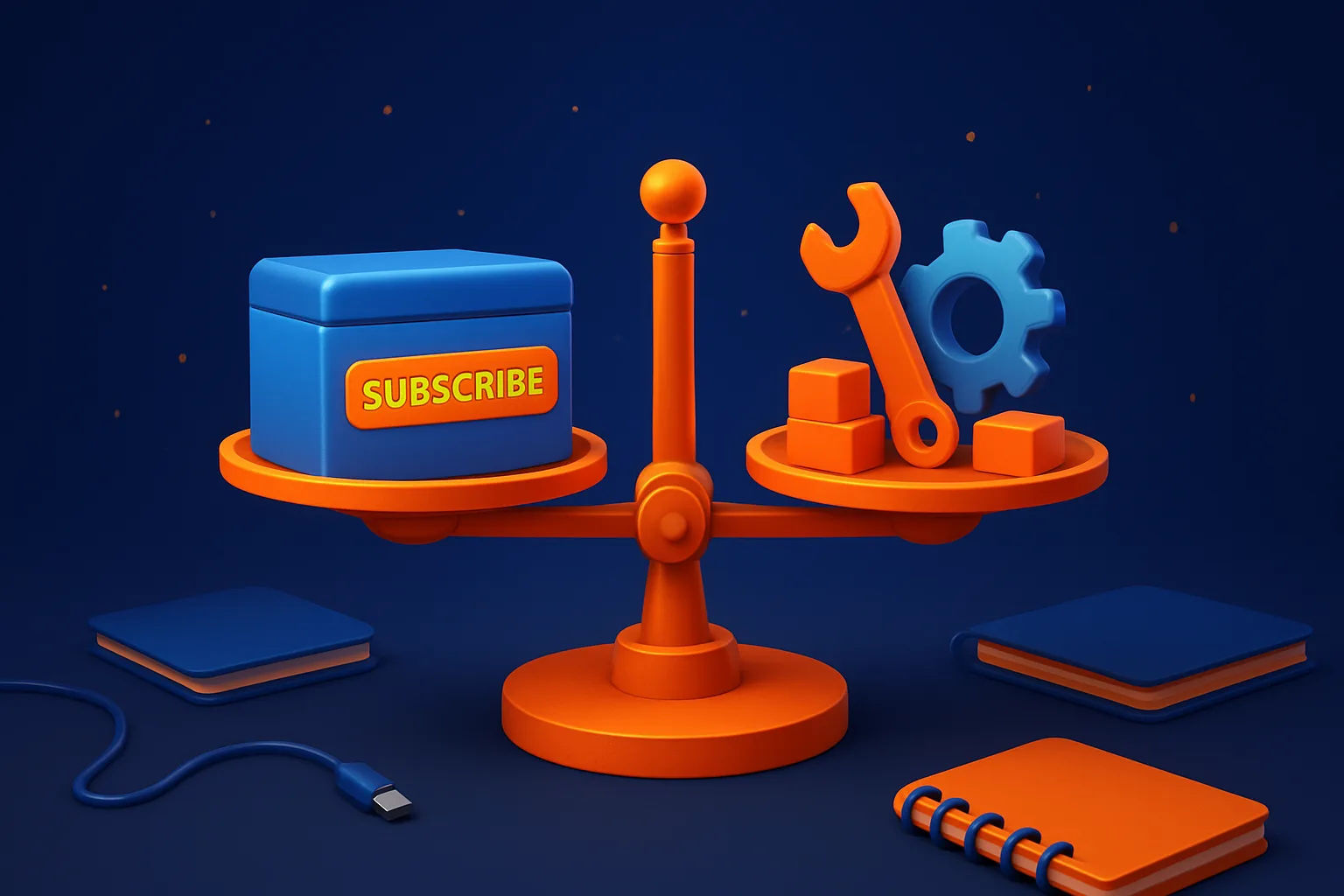
Compare SaaS with custom software, understand the cost and risk, and choose the right approach for your processes, budget and growth.