
How to prepare your business for AI automation
Prepare your data, people and workflows for AI automation, choose a sensible first project, and avoid costly mistakes before you buy with clear checks.
Learn how to connect an AI assistant to business data safely, control permissions, choose the right access method, and test answers before launch.
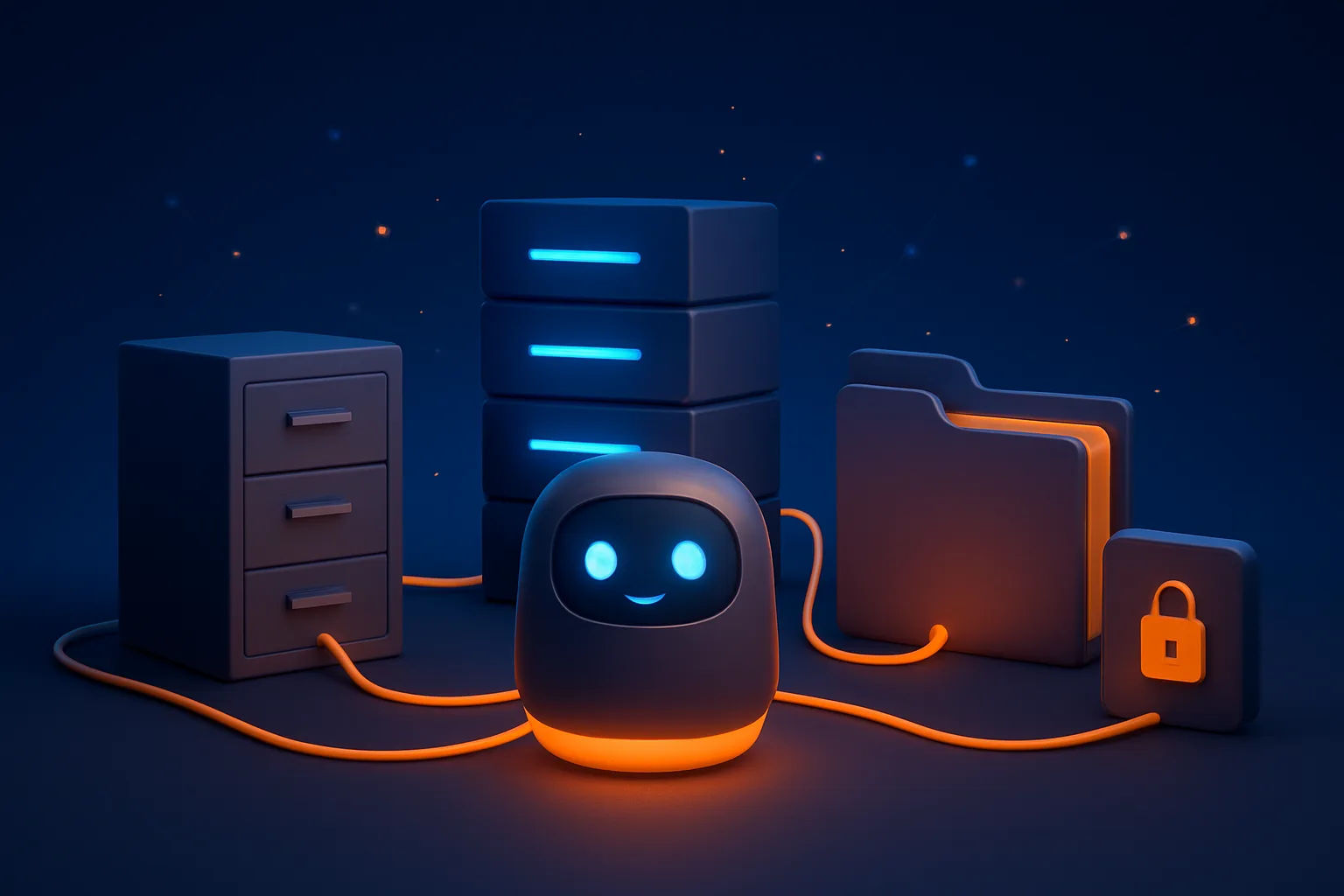
Connect an AI assistant to approved business sources through controlled access. Common options include APIs, database views, document search, and scheduled exports. The assistant retrieves the relevant information for each question instead of receiving unrestricted access to your systems.
Start with one useful question and read only access. For example, a clinic assistant can check doctor schedules and booking rules without changing patient records. Add actions such as rescheduling, refunds, or messages only after you have separate permissions, approvals, and testing.
The connection method depends on where your information lives and how often it changes. A CRM or inventory platform may offer an API that lets the assistant request a customer record or stock status. A document search system suits policies, manuals, and product guides. An older system with no usable API may work better through a scheduled export.
An API is useful when the answer must reflect current records. A retailer could use it to check whether a product is available in a particular warehouse before replying to a customer on Instagram or WhatsApp. The assistant should request only the fields it needs, such as stock status and delivery area, rather than copying the whole inventory system.
Document search works differently. The assistant searches approved files, finds relevant passages, and uses them to prepare an answer. This suits a school assistant answering questions about fee dates or a company assistant finding a leave policy, but only if the files are current and clearly labelled.
Create a simple data map before building. It gives you a shared view of what the assistant can use and who owns each source.
An assistant cannot correct poor business records simply because it uses AI. Remove duplicate customers, expired policies, and conflicting product details before connecting the source. If two spreadsheets show different school fee amounts, the assistant has no reliable basis for choosing the correct one.
Choose one trusted record for each type of information. Your booking system should be the authority for appointment times, while your finance system may be the authority for outstanding invoices. Tell the assistant which source takes priority when more than one system contains similar data.
Separate information that everyone can see from information restricted to staff, departments, customers, or branches. A prompt saying do not show private records is not a complete access control. The business system or connection layer must check who is asking and what that person is allowed to view.
Use clear fields and document labels. Product name, stock status, warehouse, price, and last updated date are more useful than a folder containing files called New Price List, Final List, and Final List 2. Consistent names also make it easier to find and correct a wrong answer.
Set a freshness rule for each source. Stock and appointment availability may need updates close to the time of the question. An employee handbook may only need review after a policy change. The right schedule depends on how costly an old answer would be.
Give the assistant the minimum access needed for its task. A sales assistant may need customer history, product prices, and delivery status, but it should not see payroll data or every customer record. Narrow access limits the damage if a connection is misconfigured or a user asks for information outside their role.
Use a separate service account for the assistant rather than sharing a staff member's login. Encrypt connections, keep audit logs, and review access regularly. Logs should help you answer who requested information, what the assistant retrieved, and which action it took.
Treat actions as more sensitive than answers. Reading an order status is different from changing an order, issuing a refund, or sending a message to a customer. For these actions, use approval steps, limits, confirmation screens, and a way to reverse the change where possible.
Decide where personal and confidential data may be processed and stored. The answer depends on your contracts, internal policy, customer expectations, and rules that apply to your business. Ask your technology and legal advisers what data can leave your systems and how long records should be retained.
Tell users when an answer comes from business records and show a source or record date where practical. A clinic assistant might say that the next available appointment comes from the booking system, checked at a particular time. If it cannot find an answer, it should say so and offer a person or another channel instead of guessing.
Do not connect every system at the start. A narrow assistant for order status, appointment availability, or invoice questions is easier to test than one that tries to answer every company question. A small first use case also shows which records are missing before more systems depend on the connection.
Do not treat a successful demonstration as proof that the system is ready. A prepared demo usually contains clean names, complete records, and expected questions. Real users will type a misspelt name, ask about a deleted order, refer to an old price, or request information from a branch they cannot access.
Test normal and difficult cases before launch. Check missing records, duplicate names, old documents, conflicting prices, empty stock, and users with different access levels. Ask a staff member to verify each result against the original system, not just against what the assistant says.
Do not copy an entire database into a prompt or shared file. This increases privacy exposure, makes updates difficult, and can raise processing costs. It also makes it harder to remove one customer's information or prove which record supported an answer.
Expect trade offs between speed, cost, and freshness. Near real time access may need a reliable API, error handling, and more monitoring. A scheduled export may cost less and suit a handbook, but the assistant could use yesterday's stock or an old customer status.
Build time and cost depend on the number of sources, data quality, permission rules, required actions, update frequency, and the APIs available in your existing systems. A single clean CRM connection is a different project from joining a CRM, accounting platform, inventory system, and shared documents.
Ask practical questions before agreeing to a build. A vendor should be able to explain how the assistant will access records, what it will do when a system is unavailable, and how your team can check its behaviour after launch.
A good pilot might ask the assistant to find a customer's latest order, apply the correct fee rule, check a doctor's next available slot, or refuse access to a restricted record. Include examples from normal working days and awkward cases. If the assistant fails, you should know whether the problem is the source data, permission design, connection, or answer instructions.
Start with one business question, one trusted data source, and read only access. Dotdunia can help you plan the connection, test the controls, and build the assistant when the use case is clear. Visit www.dotdunia.com to start a conversation.
Prepare your data, people and workflows for AI automation, choose a sensible first project, and avoid costly mistakes before you buy with clear checks.
Learn when AI automation pays off, which small business tasks to start with, what it may cost, and how to choose a safe first project.

Learn what sets AI document processing cost in India, including document volume, accuracy, integrations, review work, setup fees, and monthly costs.